






 Verified security
 Secure
 Lookout
Insta Pro is a modified third-party app that is used to share photos and videos on Instagram. This provides more features than official Instagram.
- App Name
- Insta Pro
- Version
- 15.95
- Size
- 77.48 MB
- Developer
- Insta Pro
- Requires
- Android 6.0+
- Category
- Social
- Updated
- Price
- Free
Table of Contents17
- Insta Pro
- What is Insta Pro APK?
- Insta Pro Vs Instagram
- Why is the Insta Pro App Better than Other Apps?
- Features of Insta Pro Application
- How to Download and Install Insta Pro APK on Android?
- Download and Install Insta Pro App for iOS
- How to Download Insta Pro App for Windows, MacBook, and PC?
- How to Use the Insta Pro Application?
- Top Alternatives of Insta Pro Application
- How to Upgrade Insta Pro to the Latest Version?
- Is It Safe to Use Insta Pro APK?
- Common Insta Pro Problems and Their Solutions
- Pros and Cons
- Conclusion
- Insta Pro App Screenshots
- Frequently Asked Questions
Insta Pro
Insta Pro is a modded application of Instagram which comes at zero cost. It offers functions which are not available in the original application. The Instagram application does not offer downloading of videos and reels by its users. Additionally, users cannot hide their presence on the Instagram application. However, in the Insta Pro APK Download modded version, users can download the videos and the reels very easily. Not only this, but they can also hide their presence while using the application.
This means that nobody will be able to know whether you are online or offline. Moreover, it also allows the user to log into multiple accounts on the same device. On the original application, you can login only a limited number of accounts. It will help a lot for the people who manage business profiles. The users can view the stories of other people without letting them know.
What is Insta Pro APK?
Insta Pro APK is an application, which acts as an alternative to Instagram application. It allows downloading different types of content in the form of images, videos, etc. without any kind of help from the downloader. It is possible to customize the color schemes and themes of the app by the users. The Insta Pro 2 APK additional features allow the users to browse through various kinds of content smoothly.
This application makes it easy for the user to manage their multiple Instagram accounts. The content creators find it easy to manage their multiple accounts without any difficulty. If you happen to write much, then this application helps you in copying your bio and other texts easily.
Insta Pro Vs Instagram
Insta Pro
-
You can easily turn off the active or online mode in this application.
-
There are no ads or pop-ups that interrupt users while using the app.
-
It is not available in any official application store like the Play Store or App Store.
-
Read receipts can also be turned off, and thus you can read messages without being noticed.
-
Ads will come while you scroll and watch the reels and videos in this app.
-
Active or online mode cannot be turned off in this application.
-
The typing indicators cannot be hidden, and users cannot view stories privately.
-
You cannot copy comments or captions on the official Instagram.
Why is the Insta Pro App Better than Other Apps?
-
The app allows its users to download the videos and reels to their phone itself.
-
This app offers an ad-free environment for its users so that no ad or popup appears on their screen.
-
Users can see other user's texts and stories without getting caught using this app.
-
The users can customize the theme and fonts. Users can even change the layout of the app in the Insta Pro Mod version.
-
The users can zoom in the profile pictures of people; which is not possible in the official app.
-
To prevent any disturbance from others, one can turn off his/her online status.
-
Due to its easy and clean layout, even the new users can use the app without any problem.
Features of Insta Pro Application

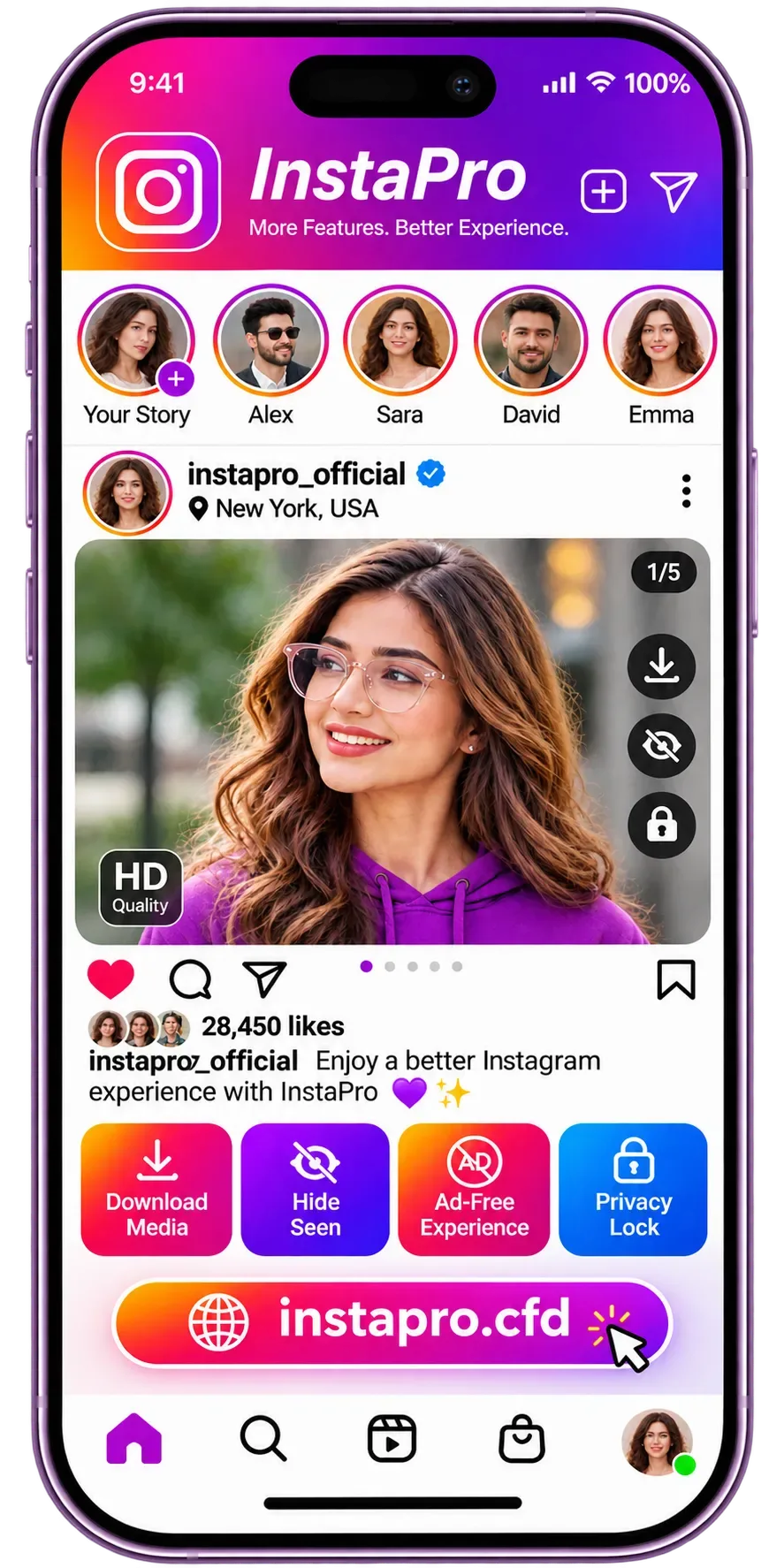
Media Download
Media download is among common features of Insta Pro ♕ Install. There is an opportunity to download photos, videos, Reels, and Stories using the app. Media download can be helpful if the standard save feature does not work. Files can be saved on the device to view them later. Availability of media download can vary depending on the build.

Ghost Mode
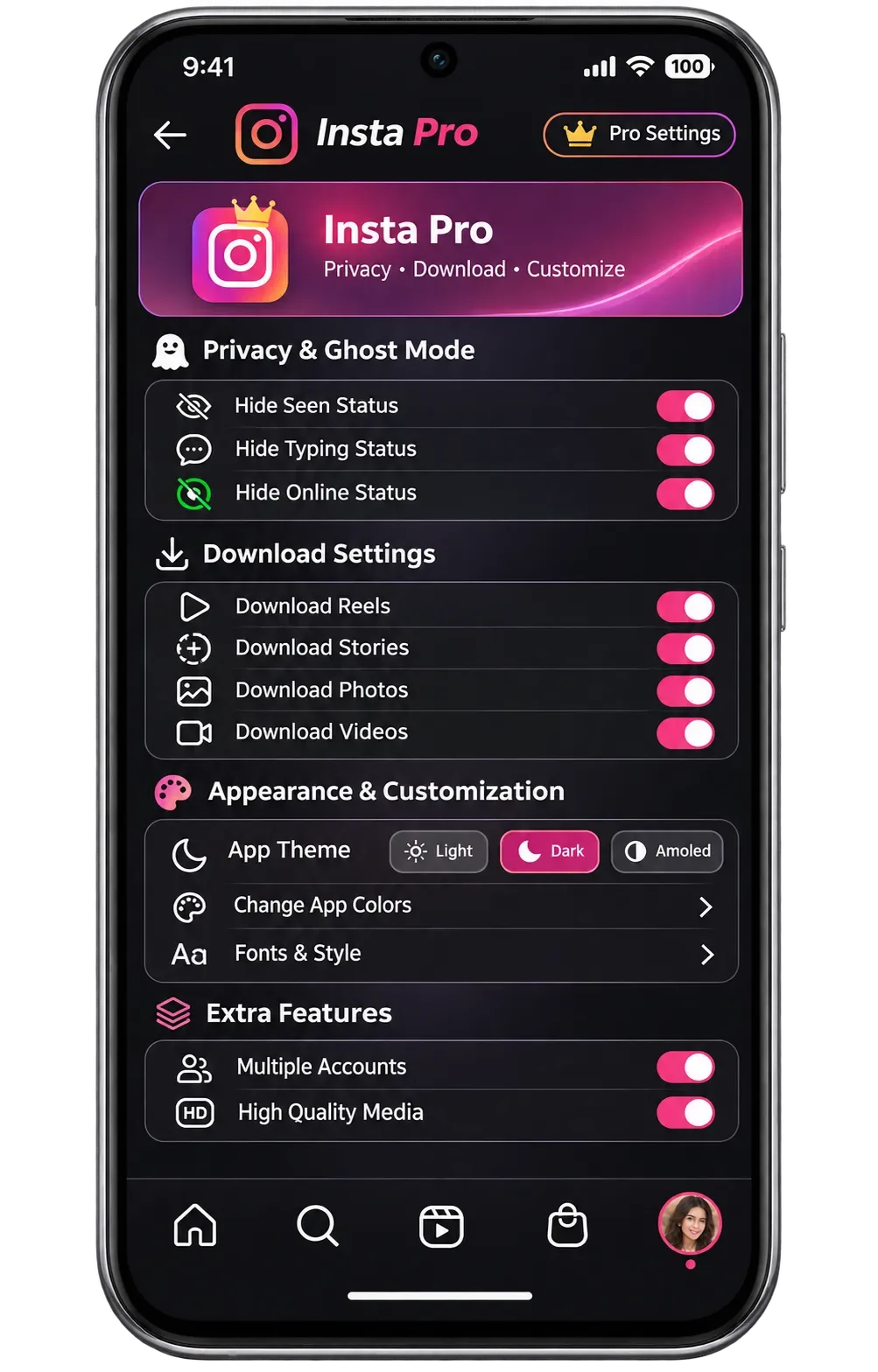
Ghost mode is one of the most common privacy-related features. Ghost mode gives additional privacy in connection with certain activity indicators. For instance, users can hide seen status and typing status depending on the build. Thus, Ghost Mode gives additional privacy to users during regular texting. Available options may vary depending on the build.

Story Download
Downloading Stories is possible using some Insta Pro versions that support this feature. It can be photos and videos in the format of Stories. The download button can be found when viewing the Story. It allows you to save content instead of using other tools for downloading.

Reels Download
There could be a feature available within Insta Pro Latest Version which enables the user to download Instagram Reels. This particular feature will ensure that you are able to download the video. This will ensure that you won't have to search for it later on to watch your downloaded videos. The process of downloading will vary depending on your application version.

Profile Picture Zoom
Within some versions of Insta Pro, you will have the option of zooming on profile pictures. All you will have to do is click on the picture or the profile option to zoom on the picture. The reason why this particular feature may come in handy is when you see the profile picture to be quite small.

Copy Captions
You will be able to copy the captions that are used in the post via Insta Pro. You won’t have to enter all the data yourself. All you will have to do is select the caption you want to copy. This facility comes via the extra menu which comes in the compatible versions of the app.

Ad Free Environment
According to the updated versions of Insta Pro, it creates an ad-free environment. Thus, there may be very few ads and promotional posts in your feed. Insta Pro APK Login will make your content look cleaner. Yet, the method through which the ad blocking process occurs may differ across various versions. It could also depend on Instagram updates.

Theme and Appearance
There could be some extra themes and appearance features in Insta Pro. In other words, you could customize the theme of various sections of the app. There could be an option of dark mode in some versions of Insta Pro. Thus, you will be able to create a distinct user interface of the app, as opposed to what is present in normal Instagram apps.

Privacy Options
There could be more privacy settings because of which users utilize Insta Pro. Such privacy settings may consist of things like seen status, typing notifications or any other sort of information. In some builds, there are separate privacy settings for each of them and you can toggle these settings on or off from the settings.

High Quality Media
There are certain features in some versions through which the user can watch or save high-quality media. This is done for things like photos and videos which are compatible with the version. High-quality experience in Insta Pro Mod APK would be possible in case of their availability but ultimately it depends on the quality of the uploaded media.

Account Support
The Instagram platform already allows users to support multiple accounts, and the modified builds can further enhance this feature. Multiple accounts can be added when such an option is supported. This will ensure convenience when switching between the different profiles. All the accounts will stay within the application.

Progress Download
A number of Insta Pro updates display some info during the file downloading process. That means that people will know what file download is going now. It could be very helpful in case of large video downloading. The exact interface of this screen can vary depending on the build. This is a small function but it makes downloads easier.

Click to Zoom
There are special builds of Instagram that provide users with additional options of zooming images. People will be able to use usual touch actions to see images closer. Insta Pro Old Version is especially useful when people want to look at small elements in the picture. This feature affects only the media viewing process and cannot improve original image quality.

Copy Comments
A number of Insta Pro versions provide users with an opportunity to copy text from comments. To use this feature you will need to select the 'Copy' option from the comment menu. This function will be handy when people want to save some text and do not want to write it down manually.

In-App Customization
Insta Pro can offer more customization possibilities than the default Instagram application does. Users can discover settings for fonts, icons, colors, and other components of the user interface. Such settings can affect the appearance of the app. Sometimes, users employ them just to give the interface a fresh look. The possible settings depend on the particular build.
Full-Screen Stories
Certain builds come with enhanced viewing controls for Instagram Stories. Insta Pro 2 Update full-screen mode allows seeing photos and videos better. They occupy more screen space. It might be helpful when using devices with larger screens. The particular behavior depends on the particular build used.
Share and Save Options
Enhanced builds can offer additional ways to share and save Instagram content. Users can gain access to such an option from the media menu. It helps to decrease the number of actions required to perform certain actions. The particular posts should support this functionality. Certain posts will keep the restrictions of Instagram.
How to Download and Install Insta Pro APK on Android?
As stated above, the Insta Pro APK for Android is the third party app used for using Instagram with extra functions. It can be of great use for many users. You may download and save media without using an extra tool but also with extra privacy options. If you want to install this app on your phone, then below is the step by step procedure to do it.
-
First, visit a trustworthy site on the internet.
-
Then, locate the big download button on the homepage.
-
Tap on it, and it will start downloading. Hence, wait for some time.
-
After that, go towards the settings of your device and allow some permissions.
-
Allow all the unknown permissions since the download source is a third party application.
-
Next, ensure that the Insta Pro has been downloaded completely, then find its file.
-
Moreover, tap on it to start installing it automatically.
-
It will take some time to install, hence, wait.
-
Once the app icon has appeared on your mobile's home screen, then tap on it.
-
Now, start using Instagram Pro with extra functions.
Download and Install Insta Pro App for iOS
This app is not officially supported by the iOS platform. You can obtain it using the Troll Store only. Good captions and hashtags provided here. The installation process is safe for iOS devices.
-
First, you should launch the Troll Store app.
-
Next, search for Insta Pro App for iOS there.
-
Then click the install button.
-
The installation process will begin immediately.
-
In a few seconds the installation will be finished. In this version there are no additional features.
-
You will have basic functions on your iPhone.
How to Download Insta Pro App for Windows, MacBook, and PC?
This app is not designed for Windows or Mac. An Android emulator is needed for its running. BlueStacks is one such emulators for this.
-
To start with, it is necessary to install the emulator on your PC.
-
Open the emulator after its installation.
-
Then go to the browser in it. Find Insta Pro for PC APK file there.
-
Press the Download button. The file will be downloaded within a couple of seconds.
-
Just wait for the process of downloading to finish. Then you will be able to use the app.
-
The app will work smoothly on your PC. It is also applicable for the MacBook.
How to Use the Insta Pro Application?
-
It is necessary to download the app from a trustable website and install it on your device.
-
Then just open it and log into your account. You can also create a new one right here.
-
Grant all the permissions if needed, for instance, storage or camera permissions.
-
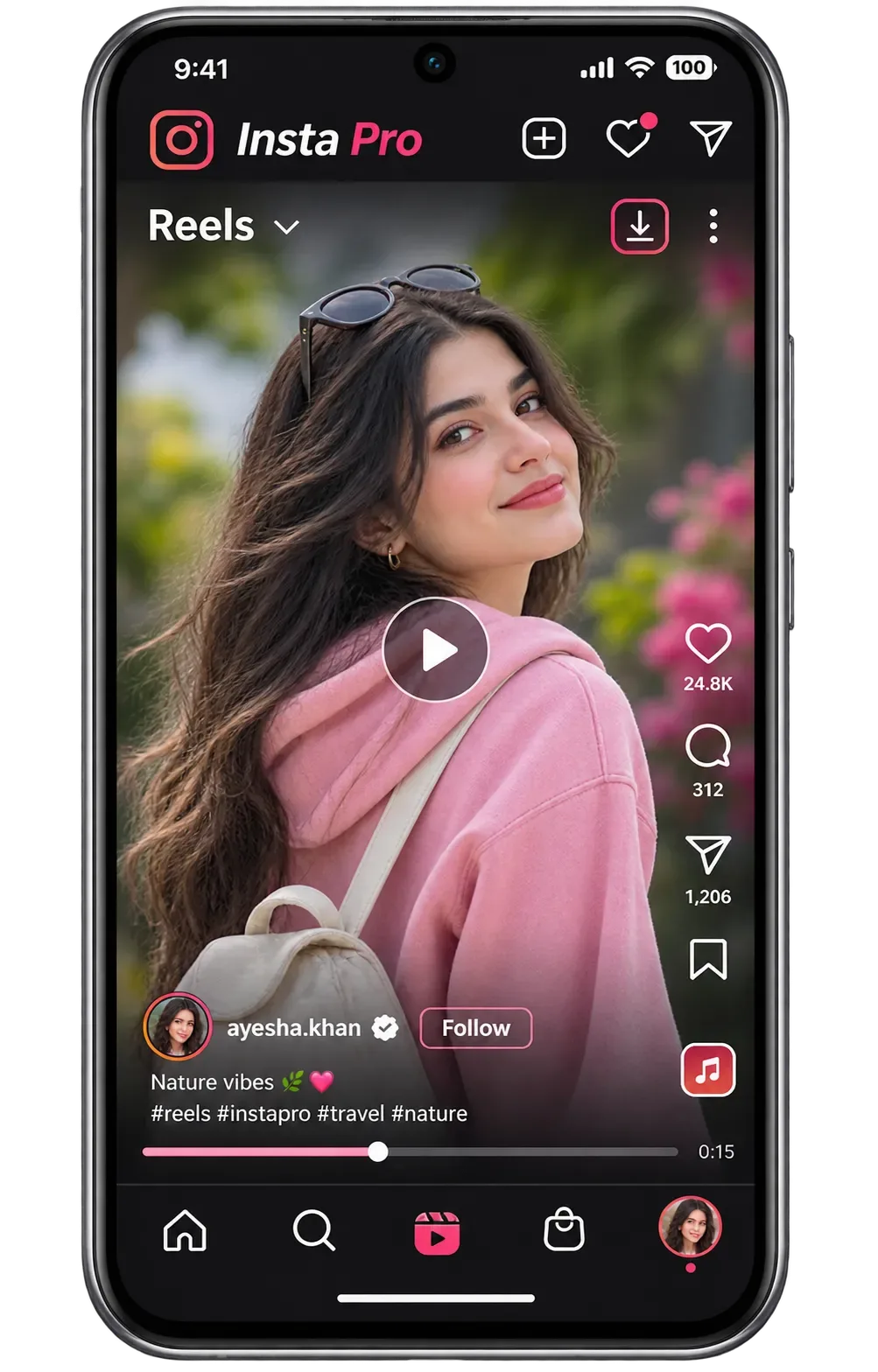
In case a user wishes to download any video, all their needs to do is tap the download button as displayed below.
-
To upload the media in high definition, users should select the file and upload it in high definition.
-
Users can switch off their online status from the settings of the Insta Pro New Version.
-
If you want to turn off your typing indicator, you can also do that from the settings.
-
Multiple account usage is also possible in this application.
Top Alternatives of Insta Pro Application
Instander
This is a third-party application like Instagram and developed by developers. Using this Insta Pro Alternative App, you can easily download the reels, posts, and stories. Users don’t have to watch ads in this app. It is a very stable and popularly used application.
AeroInsta
It is an application which has beautiful themes and other customization facilities. Users can customize themes, fonts, and colors according to their preferences. Users of this application can hide the story view and typing status.
GB Instagram
It is an application which allows its users to run multiple accounts simultaneously without any problem. In this app, there are some additional features that users can use other than the Instagram app. Also, there are some additional contents which can be downloaded using this application.
Honista
It is an alternate version of the application which is unofficial. There are some additional tools and features available in this application other than Instagram. The main purpose of Insta Pro 2 APK is to offer additional features for the user.
How to Upgrade Insta Pro to the Latest Version?
To upgrade your Insta Pro APK in your Android device, you need to do the following steps:
-
Open your mobile browser (Chrome).
-
Navigate to the site you downloaded Insta Pro from.
-
Look for the latest version of Insta Pro APK 2027.
-
Tap the Download APK button.
-
Wait until the APK file gets downloaded.
-
Open the APK file downloaded.
-
Tap Update if your device prompts an option to update.
-
Wait for installation to be completed.
-
Launch Insta Pro to see if the latest version is working.
Is It Safe to Use Insta Pro APK?
Whether or not it is safe to use the current version of My Insta Pro 2 APK Download will depend on the particular file, its creator, and how personal information will be used. This is because it is a customized app, therefore, it cannot be treated like Instagram.
Below are some basic precautions to take into consideration:
-
Download files from credible sources.
-
Scan the APK files before installation.
-
Review permission and avoid giving unnecessary access to your device.
-
Avoid sharing your Instagram password to another website for authentication purposes.
-
If account security is your main concern, then you should opt to use the official application.
-
Use another account instead of your own for the modified application.
Common Insta Pro Problems and Their Solutions
Download Feature Doesn’t Work
The possible reasons are storage permissions, free space, and the location to save. Also, this feature might become unavailable if Instagram changes the way media is delivered.
Stories/Reels Won’t Download
Consider installing the compatible version and checking for media permissions. In some cases, download features may be affected for some time after the Instagram update.
Black Screen/Freezing
You need to restart the app and clean up the cache. In case of further problems, there may be issues with the build’s compatibility.
Insta Pro Doesn’t Load
It is necessary to check the Internet first. If other services work fine, the problem might be caused by the modified client and current Instagram platform.
Pros and Cons
Pros
-
More privacy settings
-
In-built media saving options
-
Additional customizability of the interface
-
Additional account management options
-
A set of useful tools collected in one app
Cons
-
Third-party program
-
Features differ from build to build
-
Compatibility changes after Instagram updates
-
No Instagram support for the program
-
Risks for the account stay present
Conclusion
In short, Insta Pro Official is utilized primarily by those who need additional features for Instagram. You can browse posts, watch Reels, check out Stories, and send messages. Apart from these features, the modified builds may offer several other useful tools. Media downloads are among the most common features associated with Insta Pro.
There are some Insta Pro 2 APK Login builds that offer additional privacy tools for everyday use. Such features could make certain things simpler. Additionally, the app may come with themes and other customization features. This allows some flexibility regarding the look of the interface. Various builds may offer different features.
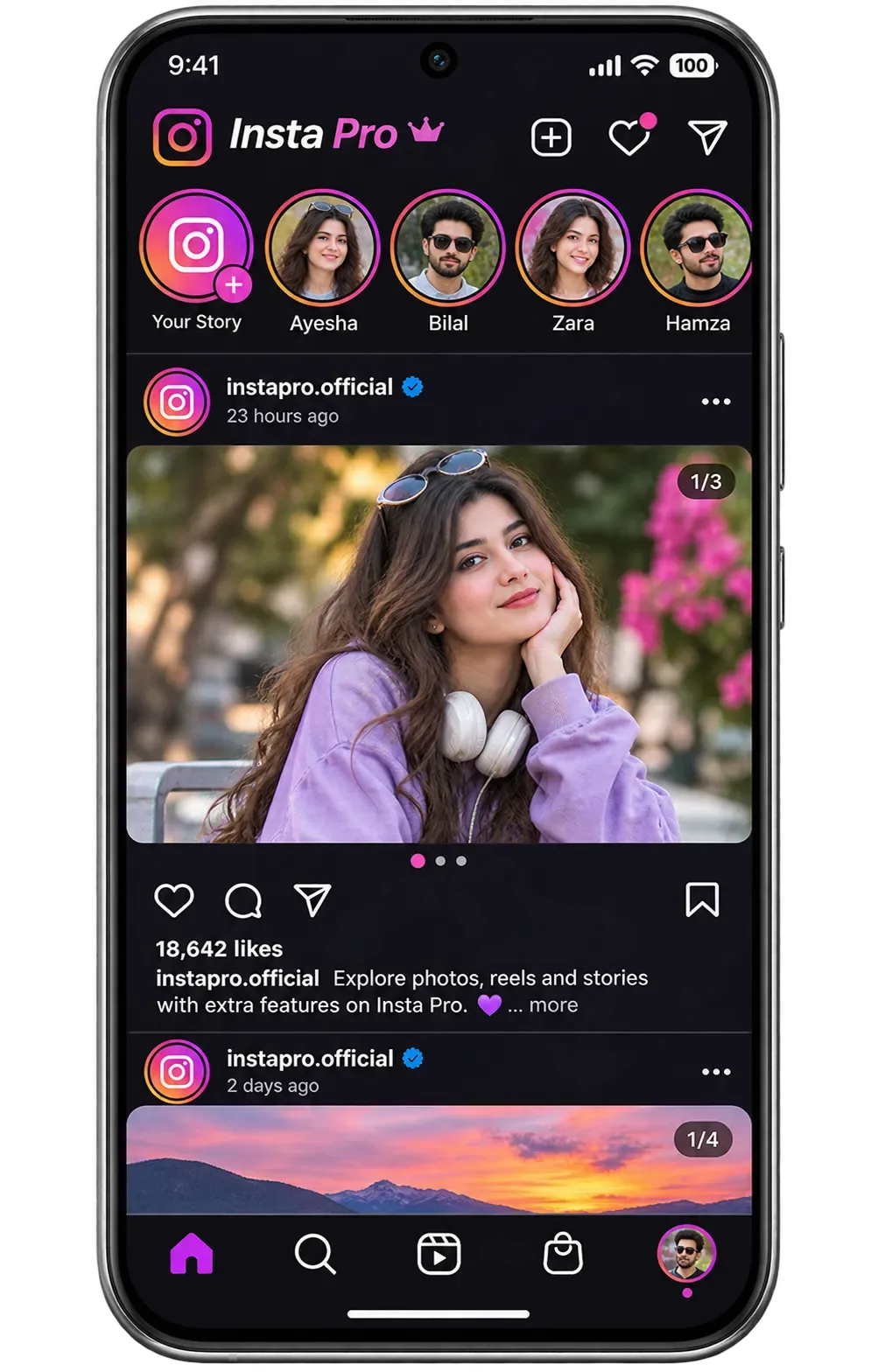
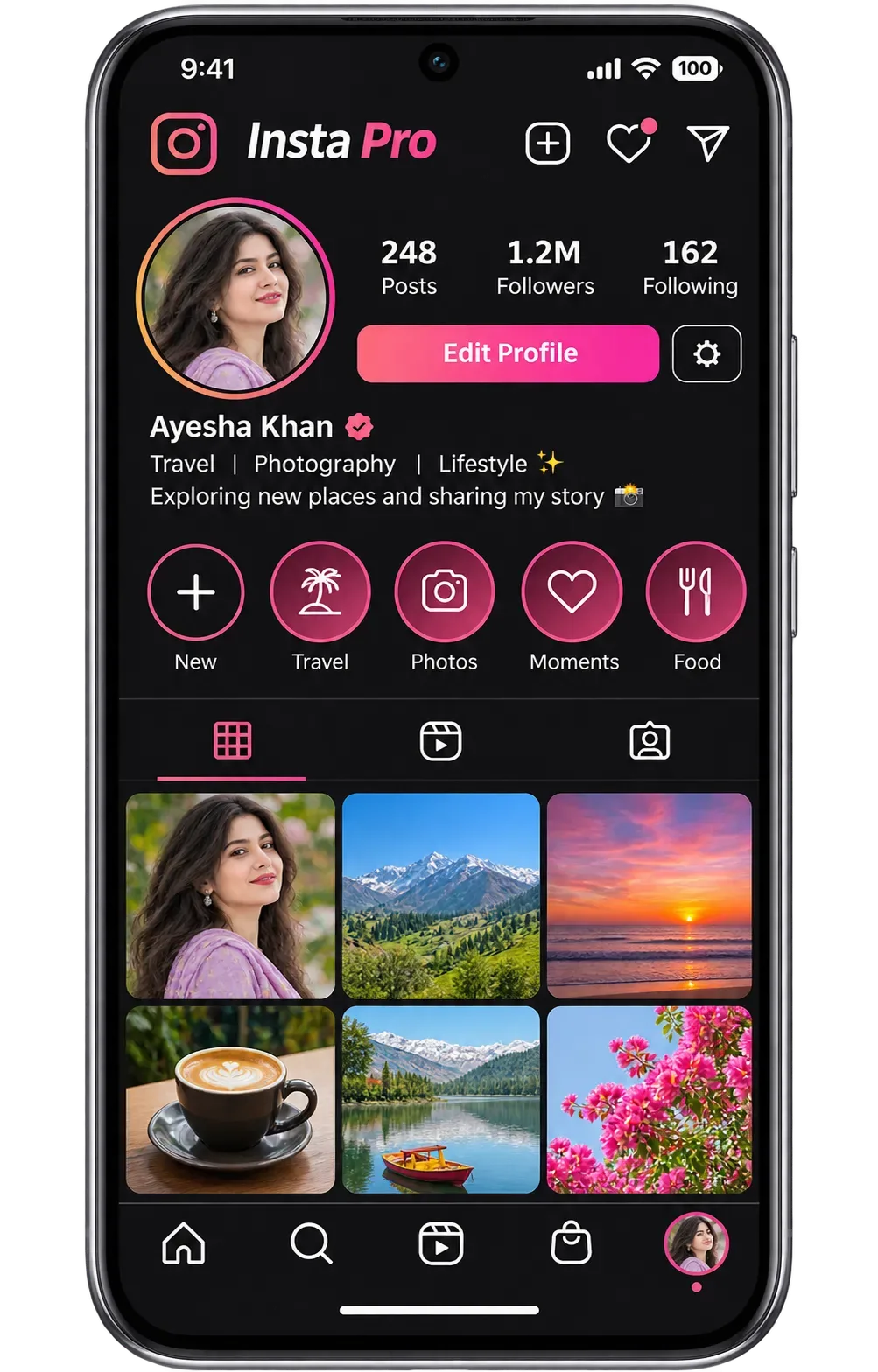
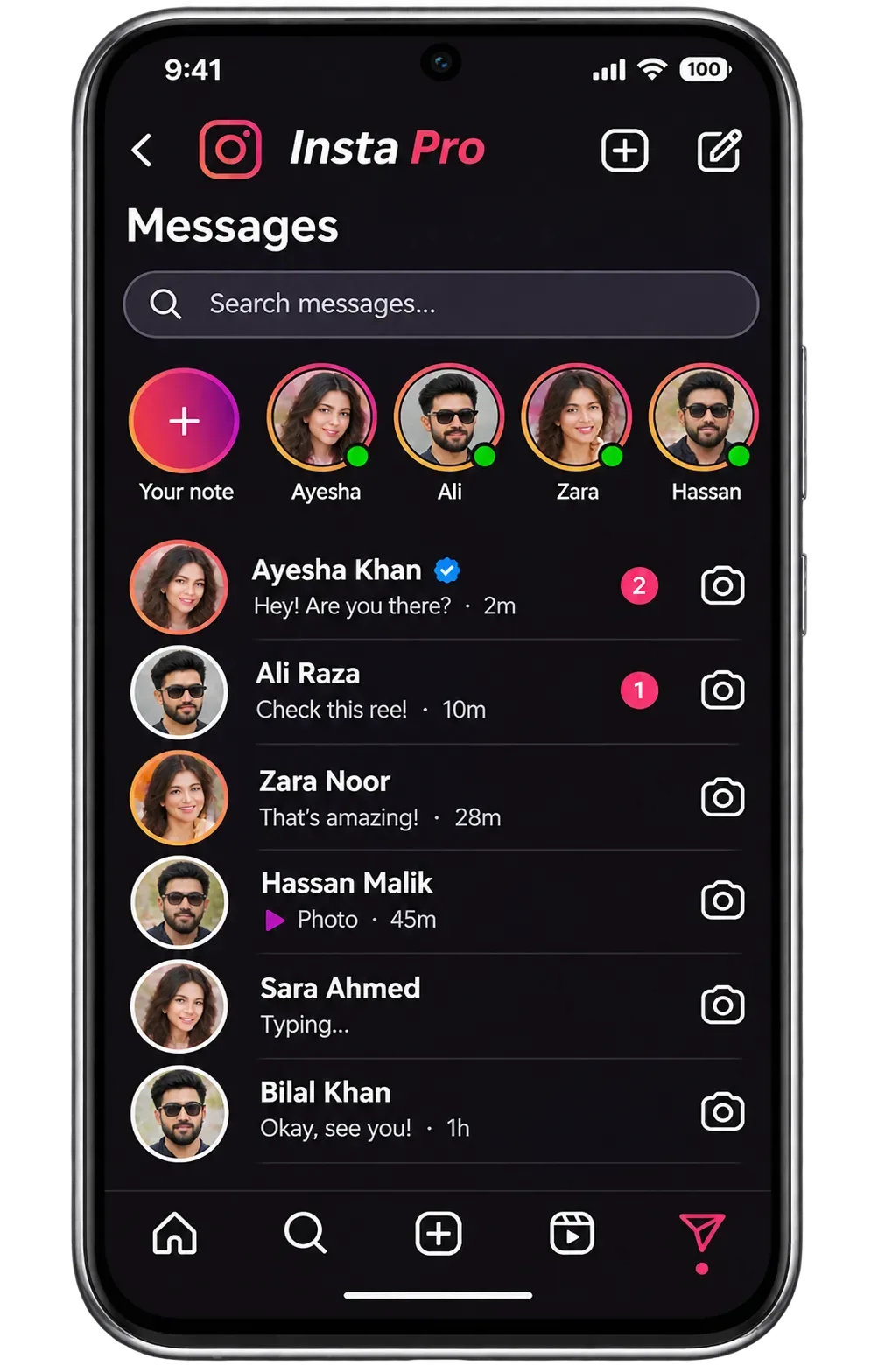
Insta Pro App Screenshots